Kindle vs. Kobo vs. Nook: the quick answer
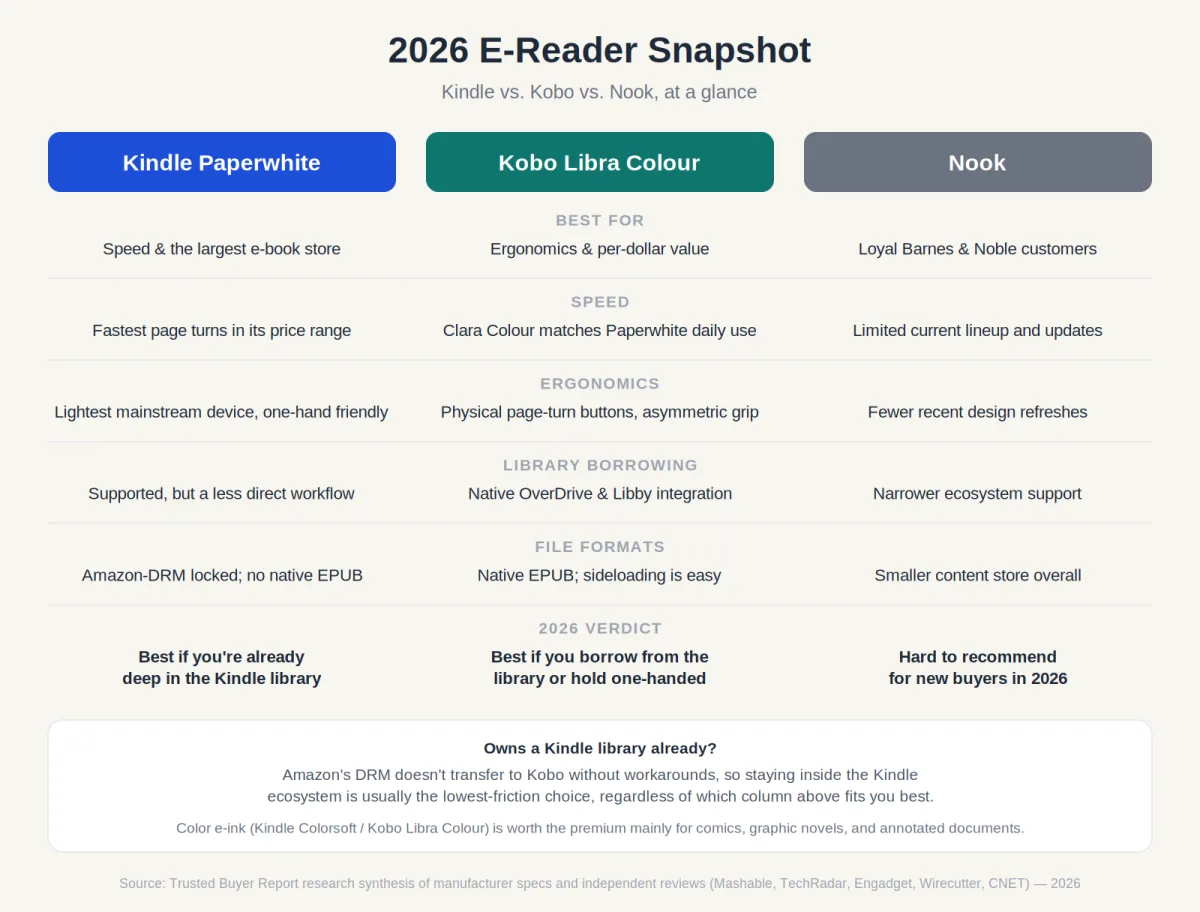
If you want the fastest, most polished reading experience and already buy books from Amazon, get the Kindle Paperwhite. If you read one-handed for long stretches or borrow from the library, the Kobo Libra Colour is the better fit — better buttons, better per-dollar value, and native library borrowing. Nook is a niche pick in 2026, worth considering only if you already have a Barnes & Noble library.
That's the short version. Here's why, and which one actually fits your reading habits — not just whichever wins a spec sheet.
Quick facts
| Kindle Paperwhite | Kobo Libra Colour | Nook | |
|---|---|---|---|
| Price | $159.99 (16GB) | $259.99 (often on sale near $229.99) | $149.99–$199.99 depending on model |
| Screen | 6.8", monochrome | 7", color E Ink Kaleido 3 | Varies by model |
| Page-turn speed | Fastest in its class | Clara Colour matches it day-to-day | Slower, less-updated hardware |
| Physical buttons | No | Yes, asymmetric grip | No |
| Library borrowing (Libby/OverDrive) | Supported, less direct | Native integration | Limited |
| Native EPUB support | No | Yes | Limited |
| Battery life (rated) | Up to ~3 months | Not independently verified at time of writing | Not independently verified at time of writing |
| Best for | Kindle ecosystem loyalists | One-handed readers, library borrowers | Existing Nook/B&N customers |
Here's a fact that cuts against the smartphone-and-tablet narrative: dedicated e-readers are still being actively developed, purchased, and argued about in 2026. According to Statista, 21% of Americans aged 30 to 49 owned an e-reader in 2023 — and instead of retreating, manufacturers have responded by adding color screens, stylus support, and faster processors. The category hasn't shrunk. It's gotten more complicated to shop for.
If you're choosing between a Kindle, a Kobo, or a Nook this year, the honest answer is that "best" depends almost entirely on how you read — not on which device wins a spec sheet. This guide breaks down the real differences in performance, ergonomics, ecosystem, and reading style so you land on a device you'll still be happy with six months from now. If you're also weighing an e-reader against other gadgets on your list, our consumer electronics buyer's guide is a useful starting point before you commit to any single category.
Why choosing an e-reader in 2026 is harder than it should be
A few years ago, this was a one-line recommendation: buy a Kindle. That advice is too blunt to be useful now. Kindle, Kobo, and even the diminished Nook lineup overlap heavily on core specs — resolution, waterproofing, adjustable warm light — which makes surface-level comparisons misleading. When every device in a category claims 300 PPI and weeks of battery life, the real differentiators shift to softer factors: ecosystem flexibility, physical design, and subscription value.
Here's the catch: genuinely new categories have entered the mix, too. Color E Ink screens, stylus support, and note-taking functionality have moved from novelty to mainstream consideration. The Kindle Colorsoft and Kobo Libra Colour aren't just upgraded versions of older devices — they represent a different use case entirely. Amazon's move to sunset Kindle devices from 2012 and earlier, as reported by TechRadar, has also pushed long-time Kindle owners to re-examine ecosystem loyalty for the first time in years.
One honest note upfront: Barnes & Noble's Nook lineup and content store have contracted significantly compared to both Kindle and Kobo. For most new buyers in 2026, Nook is a niche choice rather than a mainstream recommendation — more on why below.
Why a dedicated e-reader instead of a tablet or phone?
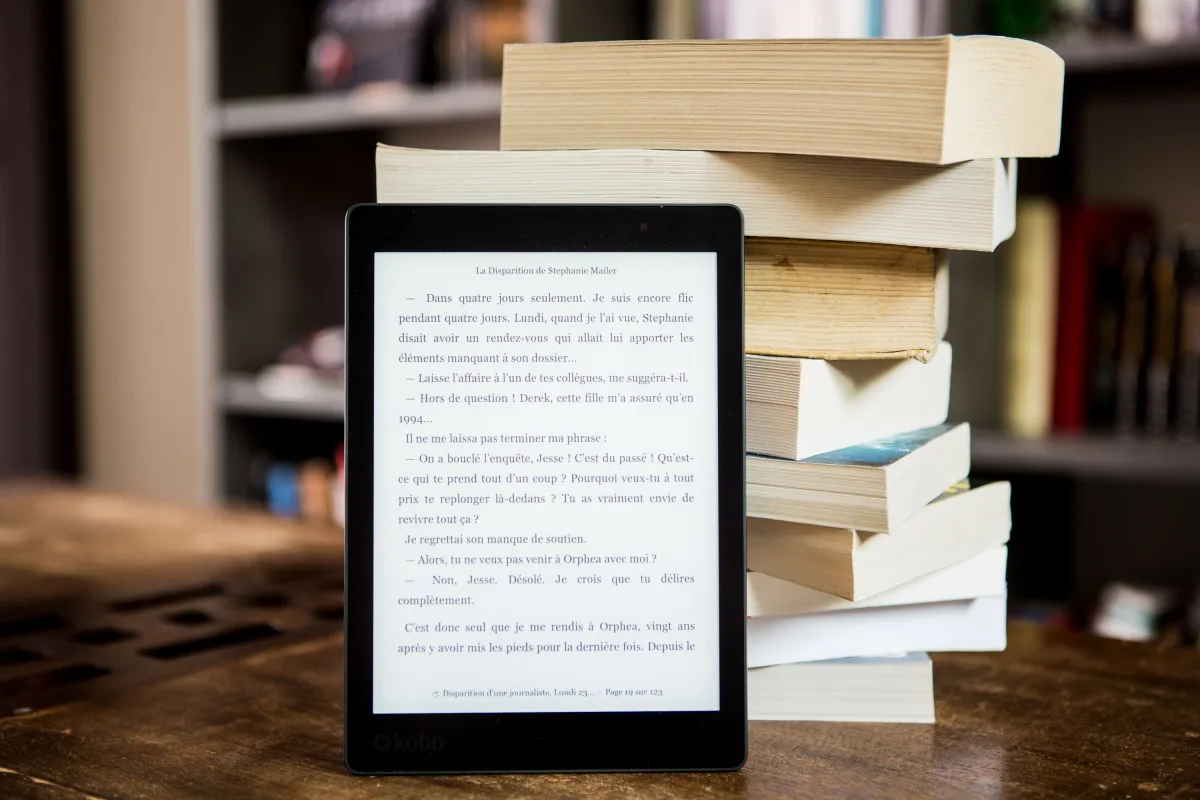
Before comparing specific devices, it's worth establishing why a dedicated e-reader is worth considering at all when tablets can technically do the same job.
E Ink displays reflect ambient light instead of emitting it directly at your eyes, closely mimicking printed paper. Over a two-hour reading session, that difference is noticeable — most people who switch from phone or tablet reading to a dedicated e-reader report meaningfully less eye strain and fatigue.
Battery life is the other practical advantage, and it isn't close. The Kindle Paperwhite Signature Edition is rated for up to three months of reading on a single charge, according to CNET. Even the power-hungrier color Kindle Colorsoft is rated for up to eight weeks. No tablet or phone comes close. For travelers, people with irregular charging habits, or anyone who dislikes babysitting a device battery, this is a real quality-of-life win — the same reason it's worth pairing a long trip with a reliable portable charger for everything else in your bag.
The single-purpose design is also underrated. A phone or tablet reading app puts your book one notification away from a 20-minute social media detour; an e-reader doesn't. PC Mag does list the iPad as a legitimate "best tablet for reading" pick for people who want a multipurpose device — worth a look in our best tablets 2026 comparison — but it's a different category of product, not a direct e-reader competitor.
The three contenders, at a glance
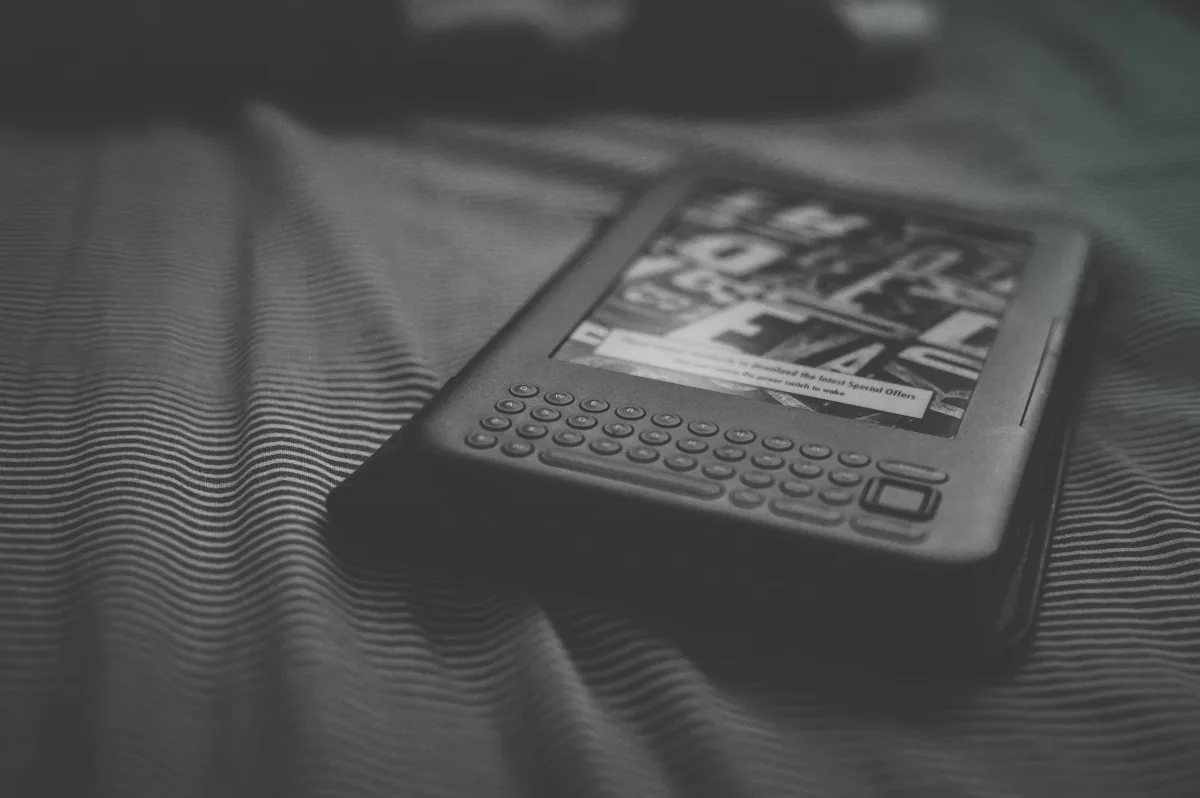
Kindle is Amazon's platform: the largest e-book store in the world, tight Audible integration for audiobook listeners (pairing with a solid pair of headphones makes commute listening much better), and hardware that consistently ranks at the top of performance tests. The trade-off is lock-in — most Kindle purchases are tied to Amazon's DRM and won't open on a Kobo or Nook without technical workarounds. Kindle Unlimited runs $11.99 per month for roughly four million titles, though as Engadget notes, it excludes many major new releases and older bestsellers.
Kobo is Rakuten's platform, and it takes a meaningfully different approach. Kobo devices natively support EPUB — the open standard most public libraries and independent bookstores use — and integrate directly with OverDrive and Libby for library borrowing. Kobo Plus offers roughly 1.3 million titles at $7.99/month for ebooks only, $7.99/month for audiobooks only, or $9.99/month for both, per Engadget. The catalog is smaller than Kindle Unlimited, but pricing runs lower and the ecosystem stays more open. TechRadar rates the Kobo Libra Colour as the best overall e-reader for per-dollar value based on its feature set.
Nook is Barnes & Noble's platform, and the honest 2026 assessment is that it has fallen well behind. The device lineup is limited, the content store is smaller than either competitor, and the ecosystem shows little of the active development Amazon and Rakuten keep investing in. For a first-time buyer with no existing digital library, Nook is difficult to recommend over Kindle or Kobo. For a loyal Barnes & Noble customer who wants to support a physical bookstore chain, it remains a valid — if narrow — choice.
Performance face-off: speed, screen quality, and daily usability
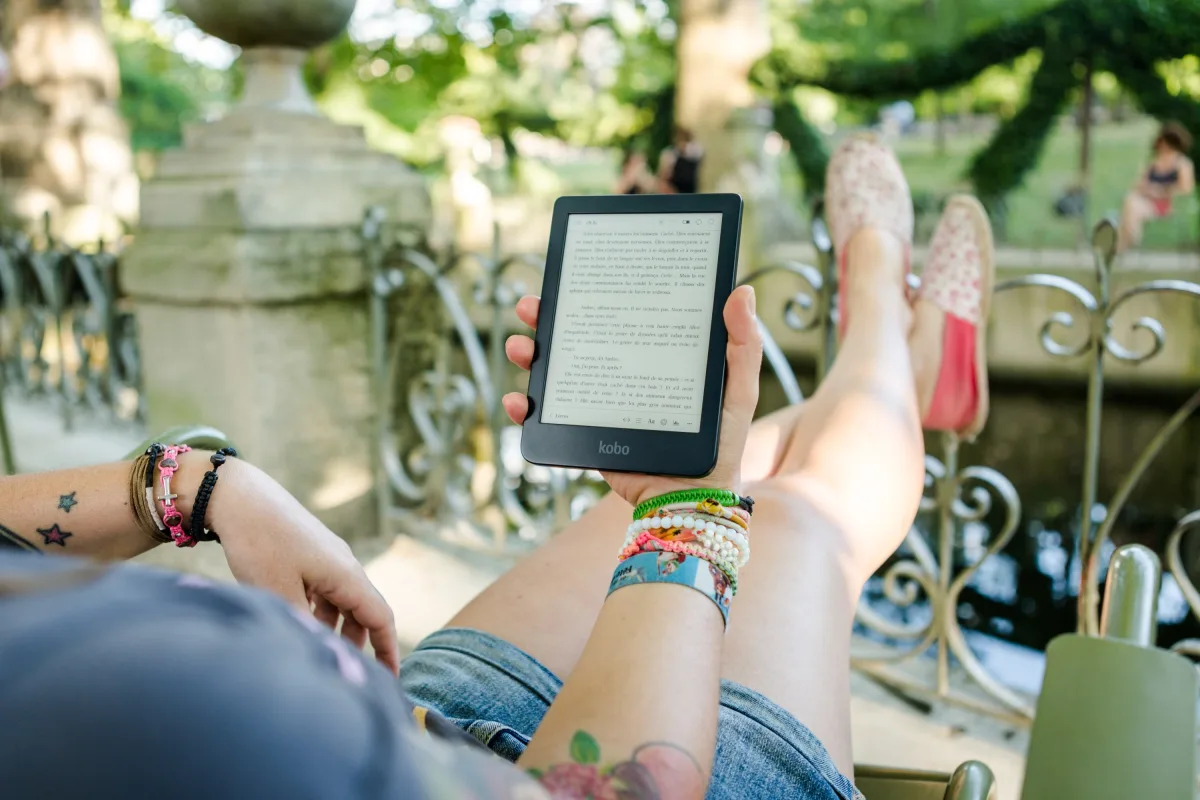
Raw performance is Kindle's clearest advantage. The Kindle Paperwhite's newer processor and updated E Ink technology make it exceptionally fast at page turns and book loading. Mashable's hands-on testing found the Paperwhite outperforms the Kobo Libra Colour on page-turn speed — but the cheaper Kobo Clara Colour matches the Paperwhite's everyday performance. That distinction matters if you're choosing between two Kobo models: the Clara is the faster device despite its lower price.
The Kobo Clara BW, the black-and-white sibling, uses E Ink Carta 1300 technology. Wirecutter found its pages turn almost instantly, on par with the basic Kindle and Paperwhite, with crisp text and an impressively bright screen — a meaningful upgrade over the noticeably slower previous-generation Clara 2E.
Color e-ink introduces a trade-off worth understanding before paying the premium. Engadget notes the Kobo Clara BW avoids the slight clarity loss the color overlay introduces — meaning that if you read mostly black-and-white text, a monochrome panel still delivers sharper results than a color panel at the same resolution. For color rendering specifically, CNET's hands-on testing found the Kindle Colorsoft offers slightly more vibrant color than the Kobo Libra Colour, though both are real improvements over the first generation of color e-ink devices.
What does that mean for you? If speed and screen polish top your list, the Paperwhite wins outright — at $159.99, it balances performance and value better than almost anything else in the category.
Ergonomics: the factor most reviews underweight
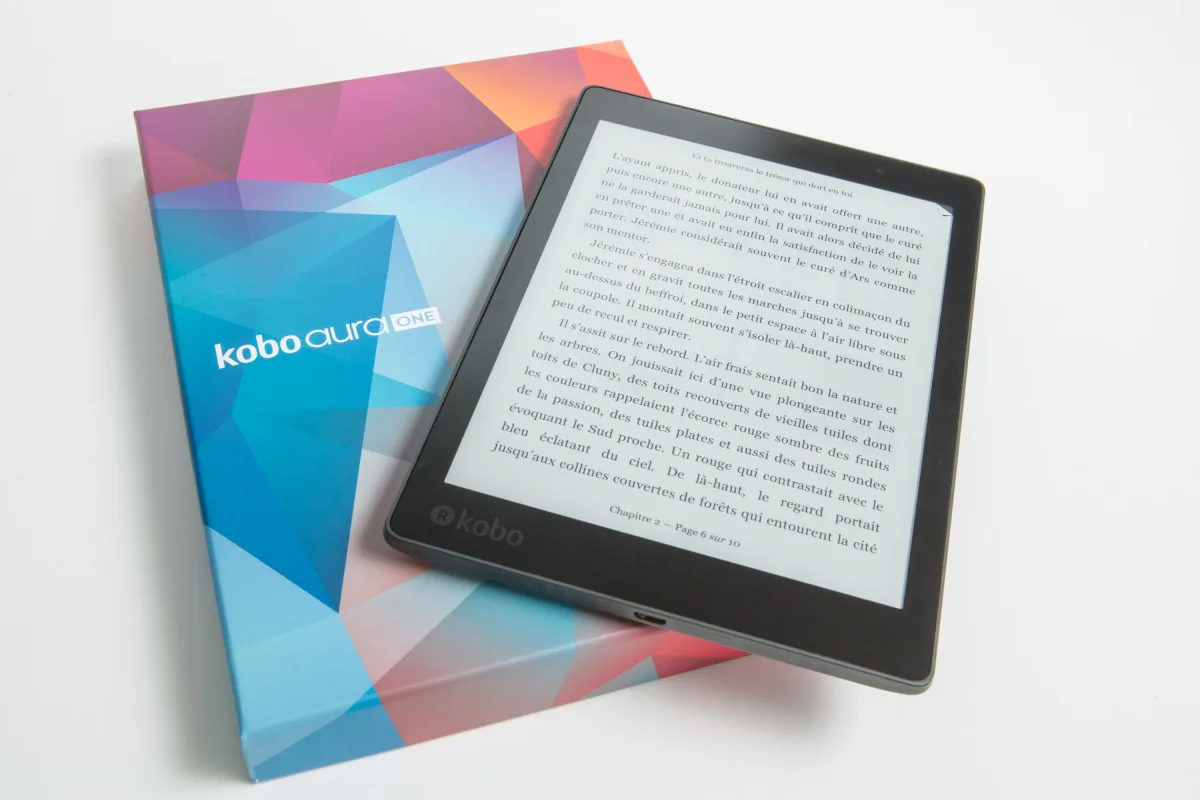
Specs tell you what a device can do. Ergonomics determine whether you'll actually keep using it — and it's arguably the most important factor for day-to-day reading satisfaction, even though most reviews spend the least time on it.
The Kobo Libra Colour has the best ergonomic design of any mainstream e-reader currently available. Its asymmetric shape leaves extra space on one side for dedicated physical page-turn buttons, cutting thumb fatigue significantly during long sessions. As Mashable's tester put it, the shape reads more square than a Kindle, and the buttons are a genuine comfort win for anyone holding the device one-handed for an hour or more. If you read in bed, on a commute, or anywhere you're holding rather than resting the device, this matters more than processor speed.
The basic Kindle takes the opposite approach and wins on a different axis: portability. It's the lightest device in the mainstream lineup, and its six-inch screen is practically pocket-sized. Mashable's tester, after spending time with both the Paperwhite and the Kobo Libra Colour, found the basic Kindle equally great for on-the-go reading precisely because of how easy it is to carry. Device weight compounds over a session — even a small difference becomes noticeable after an hour of one-handed reading.
The Kobo Clara BW sits between those two extremes. Wirecutter testers preferred its textured back and rear power button over the basic Kindle's smoother, slightly flimsier feel. It's lighter than the Paperwhite but not quite as light as the basic Kindle, and Wirecutter notes it's built from 85% recycled plastic — a detail some buyers will value.
At the large-format end, the Kindle Scribe weighs 13.5 ounces according to CNET, and that climbs further with a cover attached. CNET notes the cover can prop the device up for hands-free reading, note-taking, or document review — pointing to the Scribe's real use case. It's not a casual reading device; it's a document and note-taking tool that happens to also be an e-reader.
Ecosystem deep dive: books, libraries, and long-term lock-in
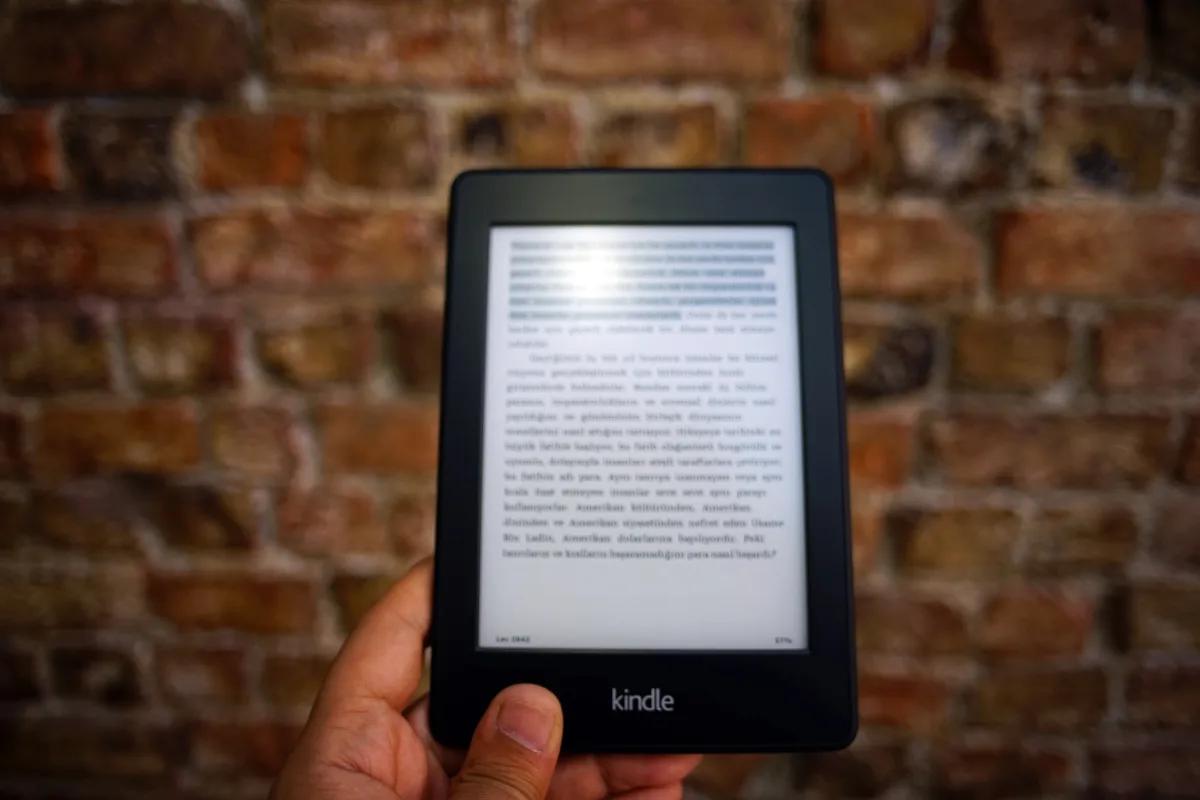
The ecosystem decision is the one most buyers underweight and regret later. Choosing an e-reader platform isn't like choosing headphones — it's a multi-year commitment to where you'll buy books, and switching later is genuinely costly.
If you already own a substantial Kindle library, the math is simple. As Engadget puts it: if you already have a mountain of Kindle books, sticking with Amazon's system — and the Kindle Paperwhite specifically — is the practical move. TechRadar echoes this, noting it's often worth staying on a new Kindle for quick access to your existing library and purchases. That's not a knock on Kobo; it's an honest acknowledgment that DRM-locked Kindle purchases don't transfer.
For first-time buyers or heavy library borrowers, Kobo's ecosystem advantages are substantial. Kobo integrates natively with OverDrive and Libby, the platforms most public library systems in the US, UK, Canada, and Australia use. Borrowing a library ebook and sending it to your Kobo is more seamless than the Kindle library-borrowing workflow has historically been. Kobo also natively supports EPUB files, so books from independent stores like Libro.fm or downloads from Project Gutenberg work without conversion.
One reader on the Natively Forums described using a Kobo Libra Colour specifically for reading Japanese books — using the annotation feature to write readings and definitions directly on the screen, and switching the whole device into Japanese language mode. That kind of multilingual flexibility, plus easy sideloading of non-DRM content, makes Kobo the stronger pick for readers working outside the mainstream English-language commercial market.
Nook's ecosystem, by contrast, has contracted to the point where its content store and device development lag noticeably behind both competitors. There's no compelling reason for a new 2026 buyer with no existing Nook library to choose it over Kindle or Kobo.
Color e-ink vs. black-and-white: is the upgrade worth it?
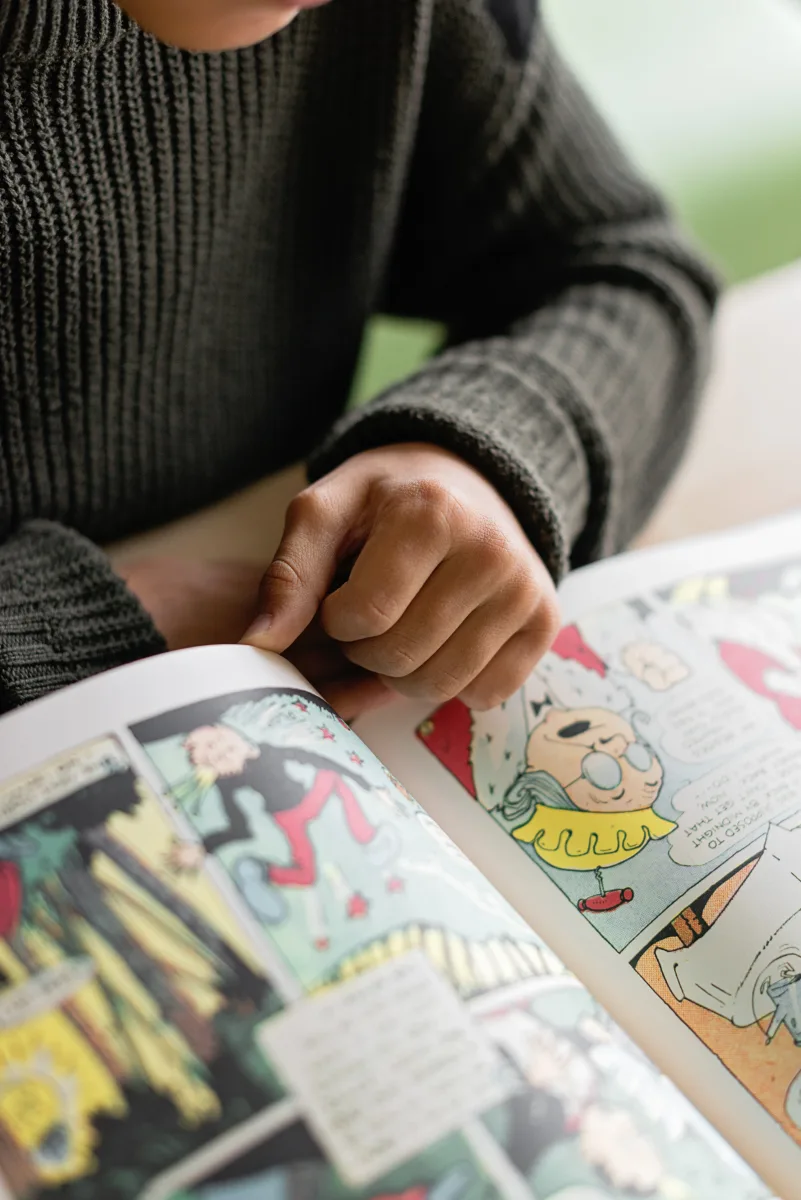
Color e-ink is the most-discussed new feature in the 2026 e-reader market, and whether it's worth the premium depends entirely on what you actually read.
For comics, graphic novels, illustrated non-fiction, children's books, and annotated PDFs, color e-ink adds genuine value — a graphic novel looks meaningfully better on a Kindle Colorsoft or Kobo Libra Colour than on a monochrome device. But there's a catch: if your library is mostly text-based fiction or non-fiction, color e-ink adds cost and a slight text-clarity trade-off without a meaningful upgrade to the actual reading experience.
The two leading color options are the Kindle Colorsoft at $249.99 and the Kobo Libra Colour, listed at $259.99 but frequently available closer to $229.99, both with 7-inch screens. CNET's hands-on testing found the Colorsoft offers slightly more vibrant color and slightly better overall performance, but the Kobo typically costs less at street price and pairs with the Kobo Stylus 2 (sold separately, $69.99) for annotation. TechRadar notes Kobo has optimized its E Ink Kaleido 3 screen well for both color and black-and-white reading, and that stylus support at this price point is a genuine differentiator.
If you read mostly black-and-white text and want the sharpest possible rendering, the Kobo Clara BW or Kindle Paperwhite will serve you better than either color device — the monochrome Carta 1300 panel in the Clara BW delivers clarity the color overlay can't quite match, and both devices cost noticeably less than their color counterparts.
Which e-reader is right for your reading style?
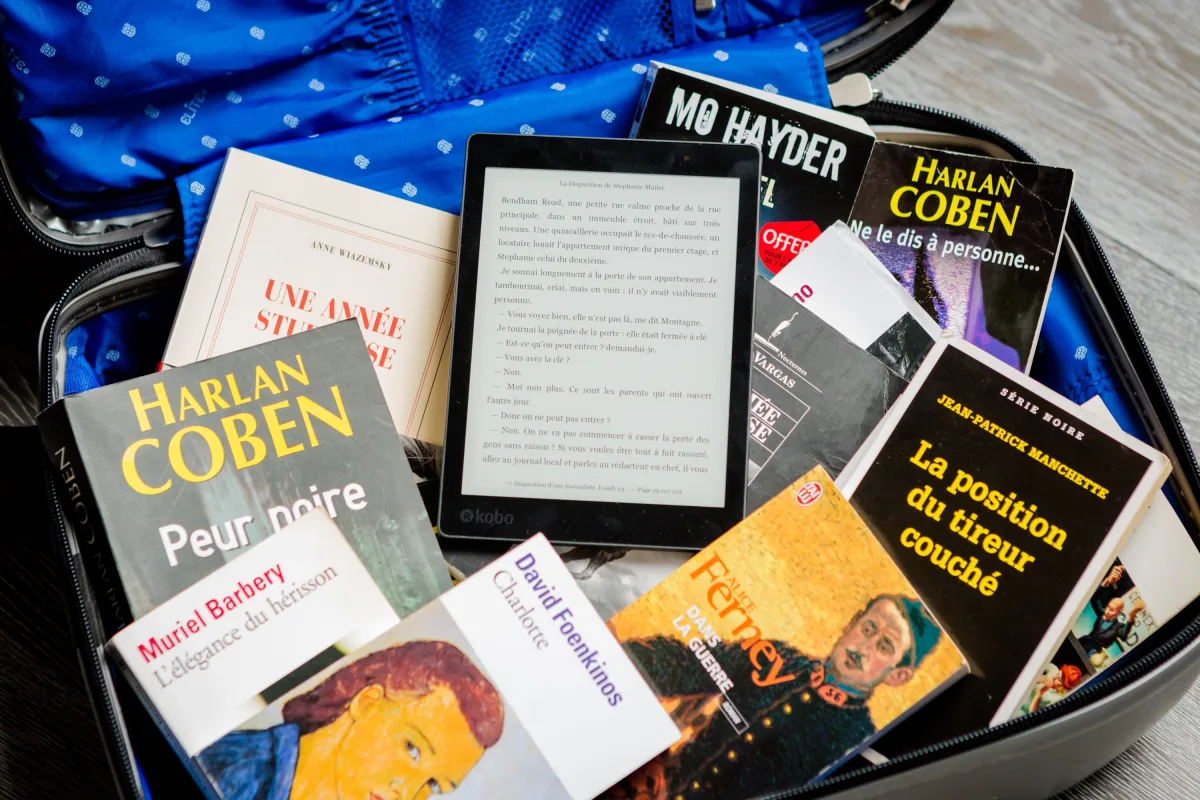
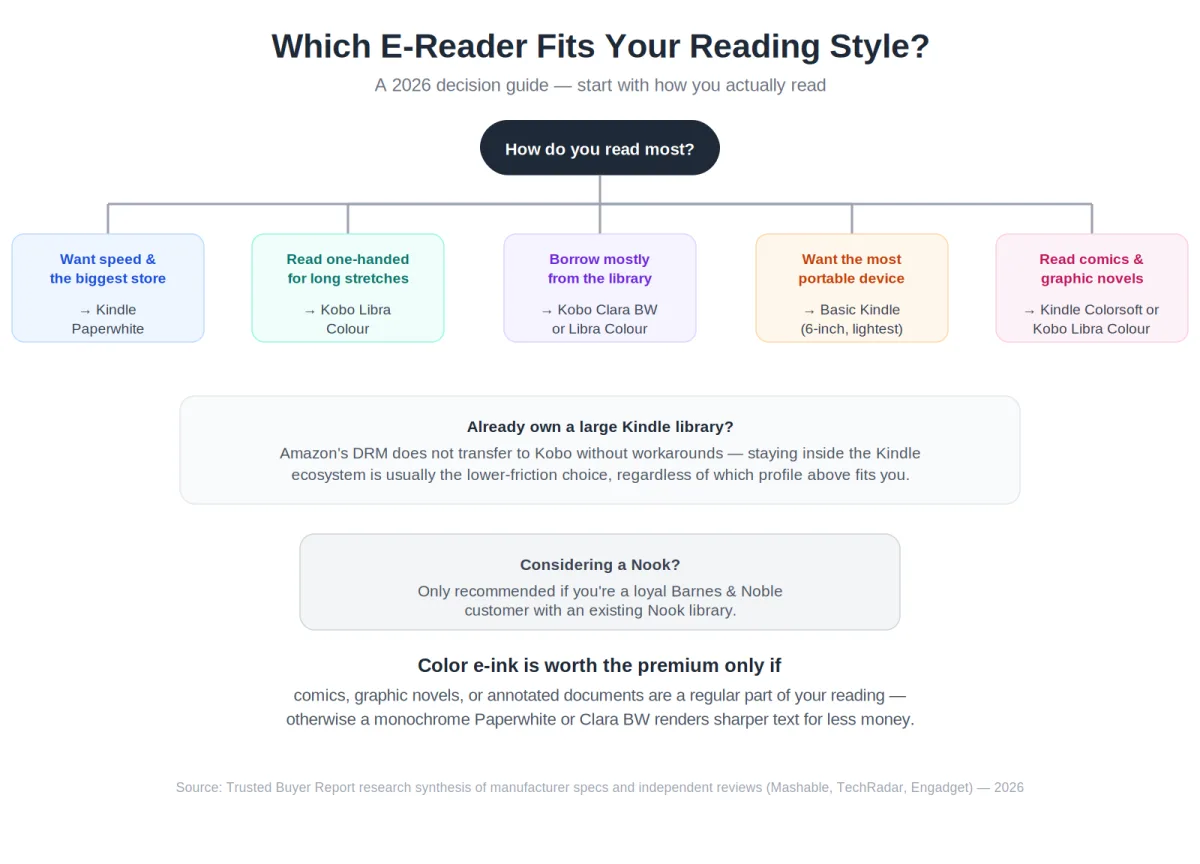
Rather than declaring one universal winner, here's a decision framework built around specific reader profiles.
You want the fastest, most polished reading experience. Choose the Kindle Paperwhite. At $159.99, it combines the best processor in its price range, E Ink Carta technology, a flush premium screen with warm light, and deep integration with the world's largest e-book store. Both Mashable and Engadget rate it the top performer for speed and overall quality. If you're already in the Kindle ecosystem, this is the lowest-friction upgrade path.
You read for long stretches and hold your device one-handed. Choose the Kobo Libra Colour. The physical page-turn buttons and asymmetric ergonomic design make a real difference during extended sessions. TechRadar rates it the best overall e-reader for per-dollar value, and its $259.99 list price (frequently discounted toward $229.99) includes color e-ink and stylus support the Paperwhite doesn't offer. The slight speed disadvantage versus the Paperwhite is unlikely to matter during normal reading.
You borrow most of your books from a public library. Choose Kobo — the Clara BW for a budget-friendly monochrome option, or the Libra Colour if you want color. Kobo's native OverDrive and Libby integration makes library borrowing the most seamless experience available. Kindle supports library borrowing too, but the workflow is less direct.
You want the most portable device for commuting or travel. Choose the basic Kindle. It's the lightest mainstream e-reader available, its six-inch screen is practically pocket-sized, and Mashable's tester found it genuinely pleasant to hold one-handed despite its entry-level positioning. For readers who prioritize portability over features, it's hard to beat.
You read comics, graphic novels, or illustrated books. Choose the Kindle Colorsoft if color vibrancy is the priority, or the Kobo Libra Colour if you want to save money and value stylus annotation. Both deliver a genuinely improved experience for visual content versus any monochrome device.
You're considering a Nook. Unless you're a loyal Barnes & Noble customer with an existing Nook library, Nook is difficult to recommend in 2026. Its device lineup is limited, its content ecosystem has contracted compared to Kindle and Kobo, and neither its hardware nor its platform offers a compelling advantage for new buyers.
Frequently asked questions
Is Kindle or Kobo better in 2026?
It depends on what you prioritize. According to Mashable's hands-on testing, the Kindle Paperwhite outperforms the Kobo Libra Colour in raw page-turn speed, making Kindle the better choice for performance-focused readers. The Kobo Libra Colour, however, offers superior ergonomic design, better library borrowing integration, more open file format support, and stronger per-dollar value according to TechRadar. For library borrowers, multilingual readers, or anyone who values physical page-turn buttons, Kobo is the better fit.
Is the Nook still worth buying in 2026?
For most new buyers, no. The Nook's device lineup and content ecosystem have contracted significantly compared to Kindle and Kobo. Unless you have an existing Nook library or a specific preference for Barnes & Noble's retail ecosystem, either Kindle or Kobo offers a stronger long-term platform.
Is color e-ink worth the extra cost?
Only if your reading regularly includes comics, graphic novels, illustrated books, or annotated documents. For readers whose library is primarily text-based fiction or non-fiction, a monochrome Kindle Paperwhite or Kobo Clara BW delivers sharper text at a lower price. The color premium is only justified if color content is a regular part of your reading diet.
Can I use library books on a Kindle?
Yes, but the process is less seamless than on a Kobo. Both platforms support library borrowing through Libby and OverDrive, but Kobo's native integration makes the workflow more direct. Kobo also supports EPUB files natively — the format most libraries use — while Kindle requires a workaround or conversion step for EPUB.
What happens to my Kindle books if I switch to Kobo?
Most Kindle purchases are protected by Amazon's DRM and can't be read on a Kobo without technical workarounds that may violate Amazon's terms of service. This is the biggest reason to think carefully about ecosystem choice before building a large digital library. As Engadget notes, if you already own a substantial Kindle library, staying inside Amazon's ecosystem is the most practical choice.
Which e-reader is best for PDF reading?
Neither Kindle nor Kobo handles complex PDFs — especially multi-column academic papers or documents with embedded diagrams — as well as larger-format devices like the Kindle Scribe or third-party Android-based e-readers such as those from Boox. As noted by ocdevel.com, a 10-inch screen is the practical sweet spot for PDF reading without constant reformatting.
How this guide was researched: This comparison is based on manufacturer specifications and independent hands-on reviews aggregated from Mashable, TechRadar, Engadget, Wirecutter, CNET, and PC Mag, along with real-user discussion from the Natively Forums. It reflects a synthesis of published testing, not hands-on testing by Trusted Buyer Report. Prices reflect list pricing at Amazon.com and Kobo.com as of late June 2026; e-reader pricing shifts frequently around Prime Day, Black Friday, and other sales events, so confirm the current price at checkout before publishing or purchasing.
This article was researched and drafted with AI assistance, then reviewed and fact-checked by a human before publishing. Trusted Buyer Report may earn a commission from purchases made through links on this page. Read our full disclosure → · How we review