This guide was researched and drafted with AI assistance, then reviewed and fact-checked by our editorial team before publishing. Our analysis synthesizes data from Ramsha Home's 2026 smart home statistics, Security.org, PCMag, CNET, Wired, Adaprox, Forbes, Fortune Business Insights, Fueler.io, Kings Research, ListenUp, and Adaprox. We cite every source. We don't accept payment for rankings. How we review · Affiliate disclosure
Quick Verdict: Which Smart Home Ecosystem and Starter Kit in 2026?
Before reading a single spec sheet, the most important decision is which ecosystem to anchor your home to. Every device purchase flows from this choice.
- Best for broadest device compatibility: Amazon Alexa (Echo Show 8 as hub)
- Best voice AI and Google users: Google Home (Nest Hub Max as hub)
- Best for privacy and iPhone households: Apple HomeKit (HomePod 2nd Gen)
- Best for future-proofing against lock-in: Matter-certified devices across any platform
- Best for full local control, no cloud: Home Assistant Green
Fastest starter kit for any platform: Smart speaker/display + smart thermostat + smart lighting + video doorbell + smart plug. These five categories deliver 80% of daily smart home value and can all be set up in a weekend without professional help.
TL;DR — What You Need to Know Before Buying Anything
- 97% of smart home device owners report high satisfaction once their system is set up — the friction is in selection, not the products themselves (Ramsha Home, 2026).
- The single most common mistake: buying individual devices before choosing an ecosystem. Devices that don't share a platform require manual workarounds, separate apps, and broken automations.
- Matter certification is the most important future-proofing criterion in 2026. A Matter-certified device works with Alexa, Google, and HomeKit simultaneously — no bridge, no hub dependency, no ecosystem lock-in.
- Smart thermostats are the highest-ROI device category. Most households recoup the hardware cost within one to two heating/cooling seasons through reduced energy waste.
- Smart switches beat smart bulbs for most households. A single smart switch controls every bulb on a circuit, costs less per light controlled, and works when someone physically flips the switch — which kills power to smart bulbs and breaks automations.
- 70%+ of smart home devices run on Wi-Fi. Your router quality and mesh coverage are as important as the devices themselves.
- Calculate total cost of ownership, not just device price. Cloud storage subscriptions for cameras ($3–$10/month per camera) accumulate quickly. Compare Eufy/Reolink (local storage, no subscription) vs. Ring/Nest (cloud storage, ongoing fees) before buying.
Why Choosing an Ecosystem First Saves You From the Most Expensive Mistake
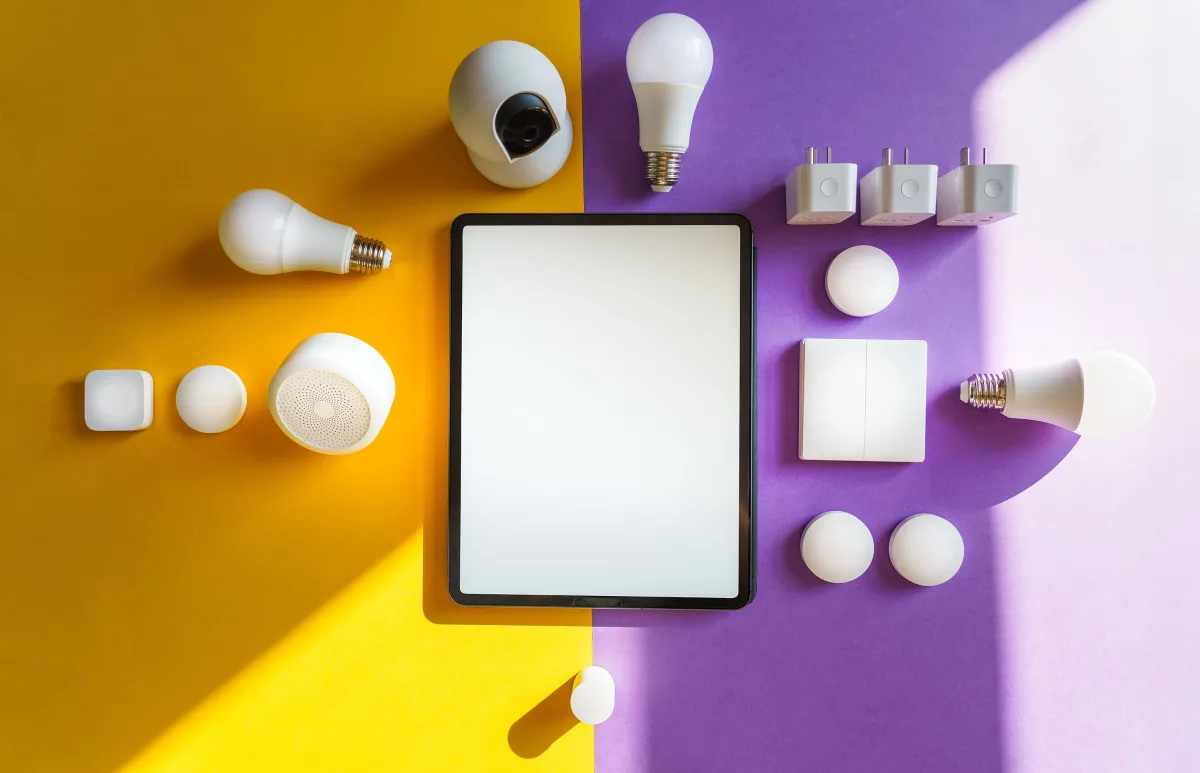
Here's the scenario that plays out constantly with first-time smart home buyers: they buy a smart lock from one brand, a smart bulb from another, and a security camera from a third — only to discover that none of them appear in the same app, share automations, or respond to the same voice commands. The result is an abandoned setup, wasted money, and the conclusion that smart homes "aren't worth it."
They are worth it. But only when the ecosystem decision comes before the device decision.
Your ecosystem is the operating system of your smart home. Every device you buy will communicate through it, depend on it for automation, and either feel seamlessly integrated or awkwardly bolted on based on how well they match. The three dominant platforms in 2026 each have a genuine, specific strength — the mistake is assuming one is universally best.
The practical decision rule:
- You own an iPhone and care about privacy → Apple HomeKit
- You use Android phones and Google Workspace daily → Google Home
- You want maximum device choice and the widest compatibility → Amazon Alexa
- You want to avoid ecosystem lock-in entirely → prioritize Matter-certified devices, then choose any voice assistant
Alexa vs Google Home vs Apple HomeKit: The Real Differences
Amazon Alexa — Widest Compatibility, Best for Routines

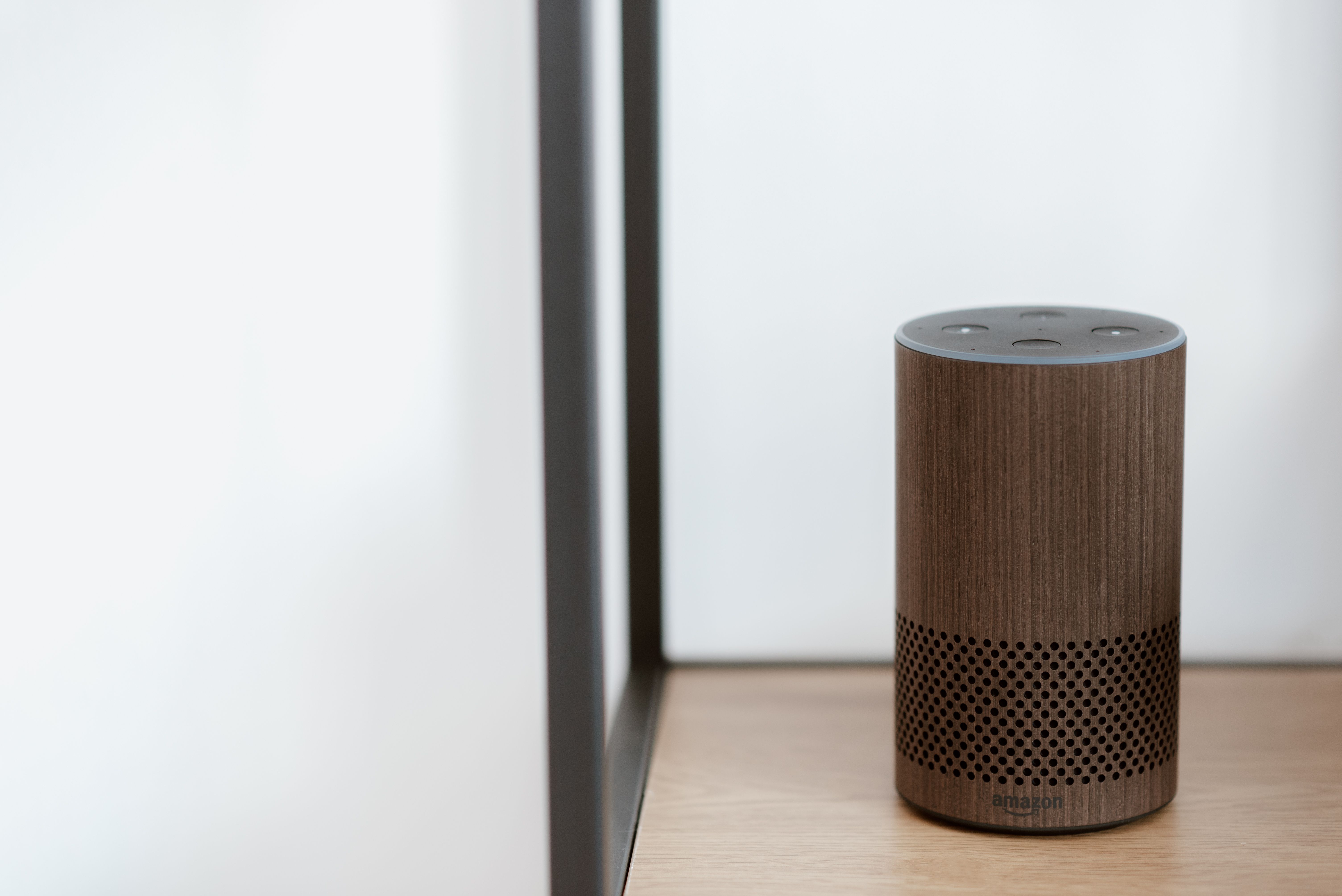
Security.org ranks the Amazon Echo Show 8 second overall (rated 7.5/10) and calls it the platform with the widest compatibility of any ecosystem in 2026. Alexa supports the broadest array of third-party smart home devices — more than any other single platform — and its routine-building tools are the most mature of the three, letting you chain complex automations without writing code.
Alexa's strength is breadth. If you want to pick from thousands of certified devices across every brand and category, Alexa is the practical default. It suits buyers who prioritize flexibility over tight integration.
The trade-offs: Alexa's natural language understanding lags behind Google's in conversational follow-ups. Alexa Plus, which unlocks more advanced AI features, requires either an Amazon Prime subscription or a paid monthly add-on — a recurring cost worth calculating before you commit. For kitchen or bedroom use where a screen adds value, the Echo Show 8 remains the compatibility flagship.
Best Alexa hub: Amazon Echo Studio (2025) for audio-focused rooms; Echo Show 8 for display functionality. CNET names the Echo Studio as the best smart speaker for Alexa households, citing its room-filling sound and auto-calibrating volume.
Google Home — Strongest Voice AI, Best for Google Users
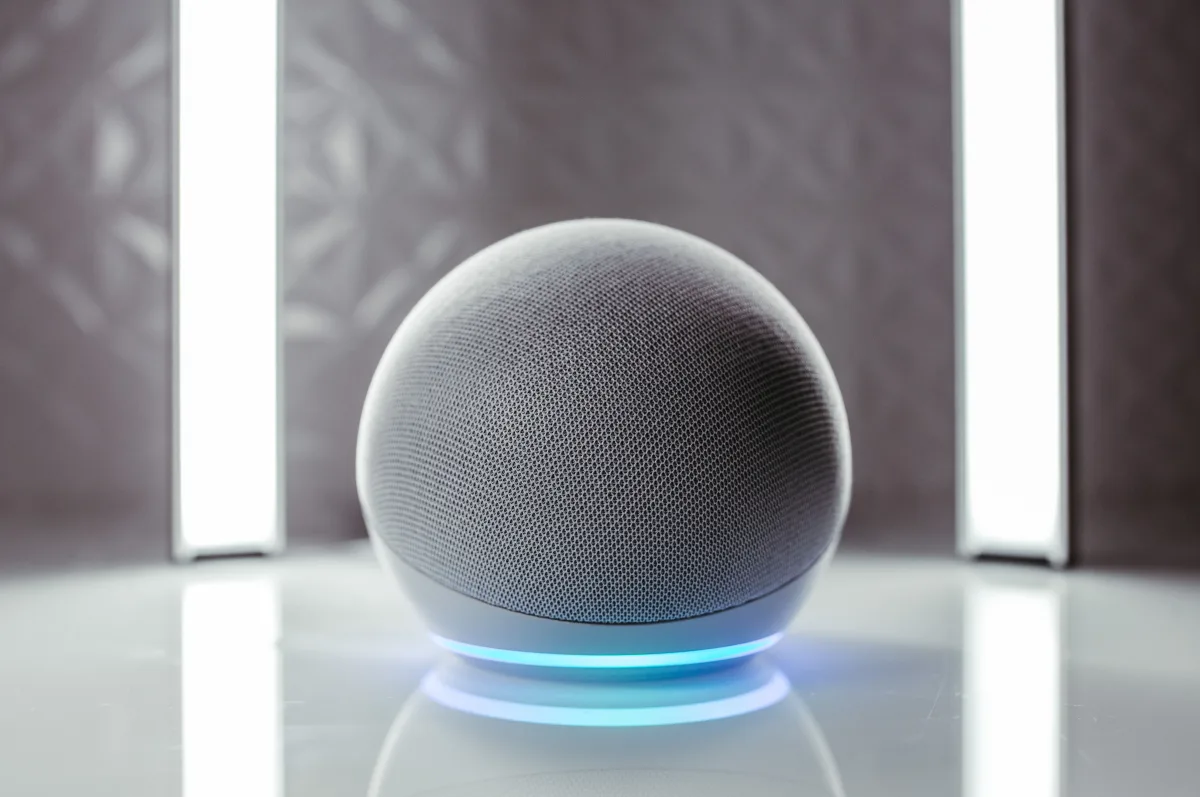
Security.org ranks the Google Nest Hub Max first overall (rated 7.5/10, "Best Voice AI"). Google Assistant's advantage is natural language processing — it handles conversational follow-ups, contextual commands, and multi-step queries better than Alexa. It integrates natively with Gmail, Google Calendar, Maps, and the full Nest product line for thermostats, cameras, and doorbells.
For households running Android phones and Google Workspace, the assistant feels genuinely integrated rather than bolted on. The Nest Hub Max adds a 10-inch display for video calls, recipe viewing, and visual device control — functioning as a genuine home dashboard rather than just a speaker.
The trade-offs: Google's device ecosystem is narrower than Alexa's, and Google has a history of discontinuing hardware lines, which creates some long-term uncertainty. PCMag advises waiting to see the upcoming 2026 Google Home Speaker refresh before committing to a new Google speaker purchase — the current Nest Audio is in an awkward position relative to that announcement.
Best Google hub: Google Nest Hub Max for households that want display functionality; Nest Hub (standard) for budget-conscious rooms.
Apple HomeKit — Best Privacy, Best for iPhone Households
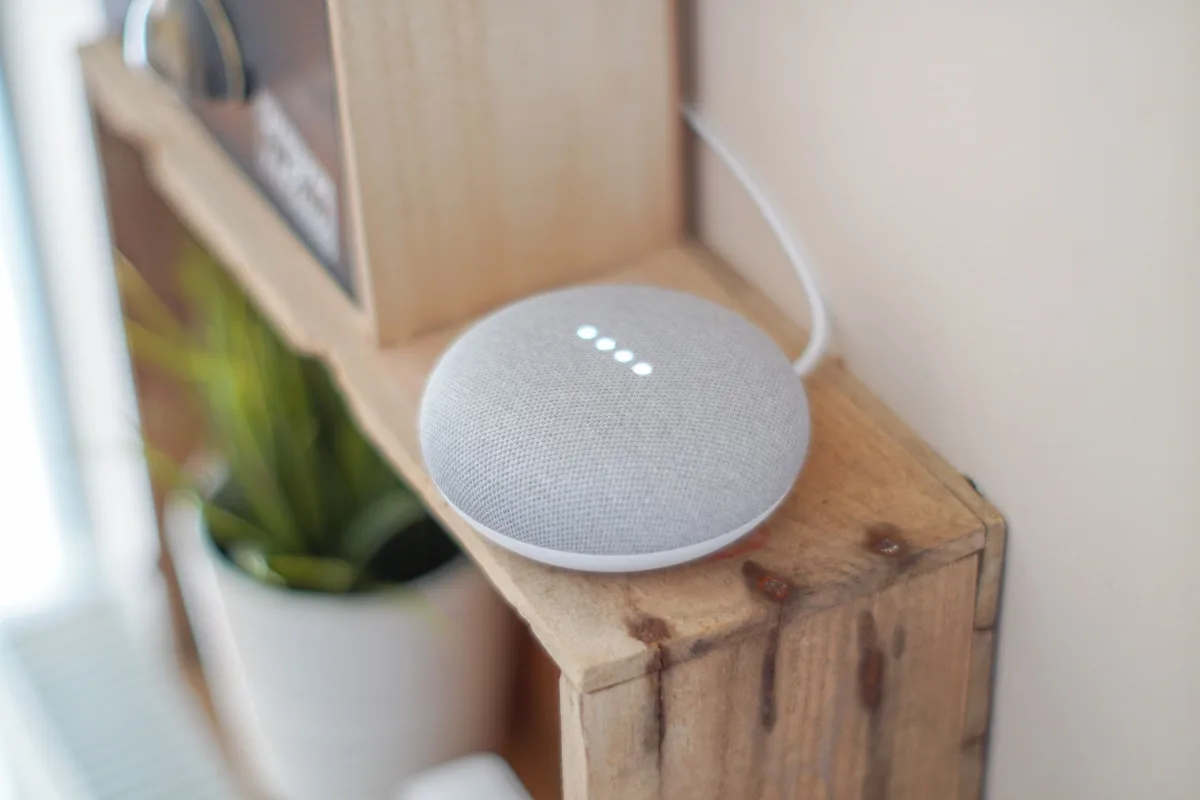
Security.org ranks the Apple HomePod third (rated 7.9/10, "Best for Privacy"). HomeKit processes as much as possible on-device rather than in the cloud, giving it a meaningful privacy advantage over the other two platforms. Siri's architecture prioritizes local processing, making it the right choice for households with genuine privacy concerns.
For households already running iPhone, iPad, and Mac, HomeKit integration feels effortless. The HomePod (2nd gen) delivers excellent audio quality alongside privacy benefits; the HomePod mini is a more affordable entry point for secondary rooms.
The trade-offs are strict: HomeKit requires that every third-party device carry HomeKit or Matter certification. The ecosystem is smaller and the entry cost higher. If your household is not already Apple-native, HomeKit will feel limiting almost immediately. A concrete example of this friction: the Sonos Era 300 supports Alexa but not Google Assistant or Siri — a speaker purchase that inadvertently constrains your ecosystem choices.
Best HomeKit hub: HomePod (2nd Gen) for primary rooms; HomePod mini for bedrooms and smaller spaces.
Matter and Home Assistant — The Platform-Agnostic Options

Matter is the open-source connectivity standard backed simultaneously by Apple, Google, Amazon, and Samsung. A Matter-certified device works across all major ecosystems without a bridge, hub, or firmware update. This is the single most important future-proofing criterion for any 2026 purchase. Before buying any lock, light, switch, or thermostat, check for the Matter certification logo.
A concrete example of Matter in action: the TP-Link Kasa EP40A Outdoor Plug, tested by PCMag, works with Alexa, Google Assistant, HomeKit, IFTTT, and SmartThings out of the box — no bridge required. Thread (the wireless protocol Matter often runs on) is mesh-based and low-power, making Thread-based Matter devices more reliable in larger homes than standard Wi-Fi devices.
Home Assistant Green is ranked fifth by Security.org, rated "Best for Full User Control." It runs entirely on your local network — no cloud dependency, no subscription fees, full access to device data. It supports Matter, Zigbee, and Z-Wave simultaneously and is the right choice for technically inclined buyers who want maximum control and to eliminate any risk of a manufacturer cloud service shutting down and bricking their devices. The trade-off is meaningful setup effort — it is not a plug-and-play platform.
Head-to-Head: All Five Platforms Compared
| Platform | Best for | Device breadth | Voice AI | Privacy | Setup effort |
|---|---|---|---|---|---|
| Amazon Alexa | Mixed households, max device choice | Widest | Good | Cloud-based | Easy |
| Google Home | Android/Google users, voice interaction | Wide | Best | Cloud-based | Easy |
| Apple HomeKit | iPhone households, privacy-first | Narrower | Good | On-device | Easy (Apple only) |
| Matter (cross-platform) | Future-proofing, ecosystem flexibility | Universal | N/A | Depends on device | Easy |
| Home Assistant Green | Power users, full local control | Universal | Requires setup | Fully local | Advanced |
How This Guide Was Researched
This is a research-based guide — Trusted Buyer Report has not hands-on tested each device. Our analysis draws from:
- Ramsha Home 2026 smart home statistics: 97% owner satisfaction rate; 260M+ global smart homes; 70%+ Wi-Fi dependency; 62.5% control via smart switches; 78% of home buyers willing to pay extra for smart features
- Security.org 2026 platform rankings: scored Google Nest Hub Max (7.5/10, #1), Echo Show 8 (7.5/10, #2), Apple HomePod (7.9/10, #3)
- PCMag: device recommendations including TP-Link Kasa EP40A outdoor plug (works with all platforms), Ultraloq U-Bolt Pro Wi-Fi Smart Lock (4.5/5)
- CNET: Echo Studio named best Alexa smart speaker; room-by-room expansion guidance
- Wired: Nest Learning Thermostat 4th Gen described as "downright gorgeous"; Nest Doorbell Wired 3rd Gen as a flagship video doorbell option
- Adaprox 2026 expert buying guide: ecosystem comparison data; Alexa, Google, HomeKit strengths and trade-offs
- Forbes 2026 smart home guide: Govee lighting coverage; Eufy and Reolink as no-subscription camera alternatives; Zigbee/Z-Wave reliability analysis
- Fortune Business Insights: smart entertainment devices at 28.78% market share; wireless segment at 55.65%
- Fueler.io: Amazon Echo 5th Gen and Google Nest Thermostat Pro as 2026 starter recommendations
- Kings Research: LG ThinQ and Roku camera coverage
- ListenUp 2026 smart home guide: Lutron professional lighting and Zigbee/Z-Wave reliability
The Ideal Starter Kit for 2026: Five Devices, One Weekend

A starter kit does not need to be expensive or complicated. Five devices across five categories deliver 80% of daily smart home value and can all be set up without professional help.
Device 1: Smart Speaker or Display (Your Hub)
56% of smart homes include audio/video smart devices (Ramsha Home). This is your voice control interface, automation engine, and daily touchpoint. Choose based on your ecosystem:
- Alexa household: Amazon Echo (5th Gen) for audio-first use; Echo Show 8 for display
- Google household: Google Nest Hub Max (display + best voice AI)
- Apple household: HomePod mini (entry point) or HomePod 2nd Gen (primary room)
Device 2: Smart Thermostat
The highest-ROI smart home device — most households recoup hardware cost within one to two heating/cooling seasons. The Google Nest Thermostat Pro is the leading 2026 recommendation: occupancy-based learning, cross-platform Matter support, and intuitive climate control (Fueler.io). The Google Nest Learning Thermostat (4th Gen) adds full schedule learning that adapts to your behavior automatically over the first week — Wired calls it "downright gorgeous."
Before ordering any thermostat: verify your HVAC system has a C-wire (required for continuous power). Both Nest models include adapters, but confirming compatibility before purchase prevents a frustrating return.
Device 3: Smart Lighting
Philips Hue White and Color Ambiance Starter Kit is the lowest-risk entry point — it works with Alexa, Google Assistant, HomeKit, and Matter. The starter kit includes a hub (bridge) and bulbs. Use it for your most-used rooms.
For secondary spaces, Govee offers affordable alternatives with impressive color accuracy at significantly lower prices (Forbes). For accent lighting, LED strips, and outdoor decorative lighting where Hue's premium pricing is harder to justify, Govee frequently outperforms.
Critical decision: bulbs vs. switches. Smart bulbs give per-bulb color control and dimming. Smart switches control entire circuits, work with existing bulbs, and — crucially — still function when someone physically flips the switch off (which kills power to smart bulbs and breaks automations). For households with children or frequent guests, switch-based systems like Lutron Caseta are more reliable in daily use.
Device 4: Video Doorbell or Security Camera
A video doorbell at the front door provides real-time awareness of your home's primary access point. The Google Nest Doorbell Wired (3rd Gen) is the flagship for Google households, with AI-powered package and person detection (Wired). For platform-agnostic buyers, Roku has expanded into cameras and doorbells as a strong alternative (Kings Research).
Before buying any camera: calculate the full subscription cost. Ring/Nest cameras typically require $3–$10/month per camera for event history. Eufy and Reolink store footage locally on an SD card or home hub with no mandatory subscription. Over three years, the cost difference between a subscription-based and local-storage camera is substantial — factor this into your decision, not just the device price.
Device 5: Smart Plug
The easiest entry point for any existing appliance. The TP-Link Kasa EP40A Outdoor Plug (PCMag-tested) works with Alexa, Google Assistant, HomeKit, IFTTT, and SmartThings — two independently controllable weatherproof outlets. For indoor use, any Kasa plug with energy monitoring lets you schedule and track appliance power consumption. Energy-monitoring plugs are particularly valuable for identifying which appliances draw the most power.
Smart Lighting Expanded: Bulbs, Switches, and Automation That Makes a Difference

Smart lighting is where most buyers expand first after their starter kit. It requires no professional installation, delivers immediate visible results, and works with every major platform. The automations that make it genuinely useful — rather than just a novelty:
Automation ideas that actually get used:
- Motion-triggered hallway lights at 10% brightness between midnight and 6am — eliminates fumbling for switches
- Sunrise simulation that gradually brightens the bedroom 30 minutes before your alarm — measurably better wake-up experience
- Away-mode schedules that randomize lighting to simulate occupancy when you're traveling
- Circadian rhythm programming that shifts color temperature from cool white (6,500K) in the morning to warm amber (2,700K) by evening — affects alertness and sleep quality
For whole-home lighting in larger properties, Lutron Caseta is the DIY professional-grade option; Lutron's RadioRA and HomeWorks systems are professionally installed for whole-home deployments (ListenUp). Lutron's clear step-down from DIY to professional installation makes it the most scalable lighting platform available.
Smart Security: Cameras, Doorbells, Locks, and Detectors That Actually Protect
Start With Smart Smoke Detectors
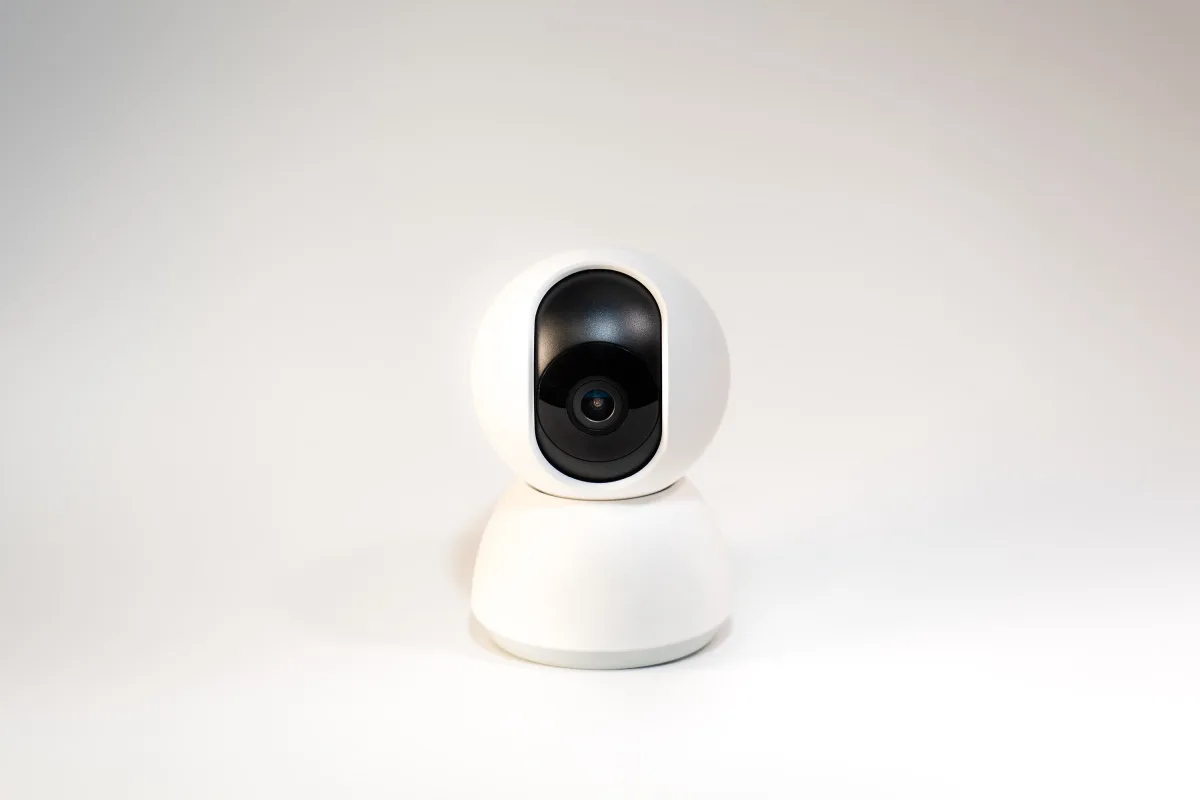
Ramsha Home ranks smart smoke and CO detectors among the top five safety devices in smart homes — yet they're frequently overlooked in favor of cameras and locks. This is the wrong prioritization. A smart smoke detector that sends a phone notification when you're away is objectively more useful than a traditional one that only sounds an alarm in an empty house. Start here before cameras.
Video Doorbells and Cameras: Brand Comparison
| Brand | Storage | Monthly cost | Best for |
|---|---|---|---|
| Google Nest | Cloud | $3–$6/camera | Google ecosystem users |
| Ring (Amazon) | Cloud | $4–$10/camera | Alexa ecosystem users |
| Eufy | Local (SD/hub) | $0 | No-subscription buyers |
| Reolink | Local (SD/NAS) | $0 | DIY, local storage preference |
| Arlo | Cloud or local | $0–$10/camera | Flexible hybrid option |
Smart Locks: The ALIRO Consideration
For 2026 purchases, ALIRO-compatible locks are the future-proof choice. ALIRO is an emerging open standard for smart locks that enables cross-platform digital key sharing — it received significant updates in early 2026 and is now supported by a growing number of manufacturers.
PCMag rates the Ultraloq U-Bolt Pro Wi-Fi Smart Lock at 4.5/5 for broad platform compatibility across Alexa, Google, and HomeKit. It supports fingerprint, keypad, app, and physical key entry — one of the most flexible access options for households with varying needs (children, housekeepers, guests).
Smart home features including security devices can increase property value by up to 10% (Ramsha Home) — making these investments both a safety and financial consideration.
Smart Thermostats and Energy Management: Where Smart Homes Pay for Themselves
Smart thermostats are the clearest example of a device that pays for itself. Unlike a smart speaker or a color-changing bulb, a thermostat that reduces heating and cooling during unoccupied hours delivers a measurable reduction in utility bills — typically within the first year of use.
Key features to compare when choosing a thermostat:
- Learning capability: Does it adapt automatically (Nest Learning) or require manual programming (Nest Thermostat Pro)?
- Remote sensor support: Can it measure temperature in multiple rooms for multi-zone homes?
- HVAC compatibility: Does it support your specific heating and cooling system? (Multi-stage, heat pump, radiant?)
- Ecosystem integration: Does it connect to your chosen voice assistant?
Energy management extends beyond thermostats. Smart plugs with energy monitoring identify power-hungry appliances and enable off-peak scheduling. Smart power strips eliminate phantom load from entertainment systems. As EV adoption grows, EV charger scheduling that charges overnight at lower electricity rates is an increasingly relevant energy management tool.
One often-overlooked category: smart garage door openers. 13.8% of Americans already own one (Ramsha Home). An open garage in winter or summer is a significant source of heating and cooling loss — a smart opener that alerts you when the door is left open and lets you close it remotely addresses both energy waste and security simultaneously.
Building Room by Room: The Expansion Sequence That Works
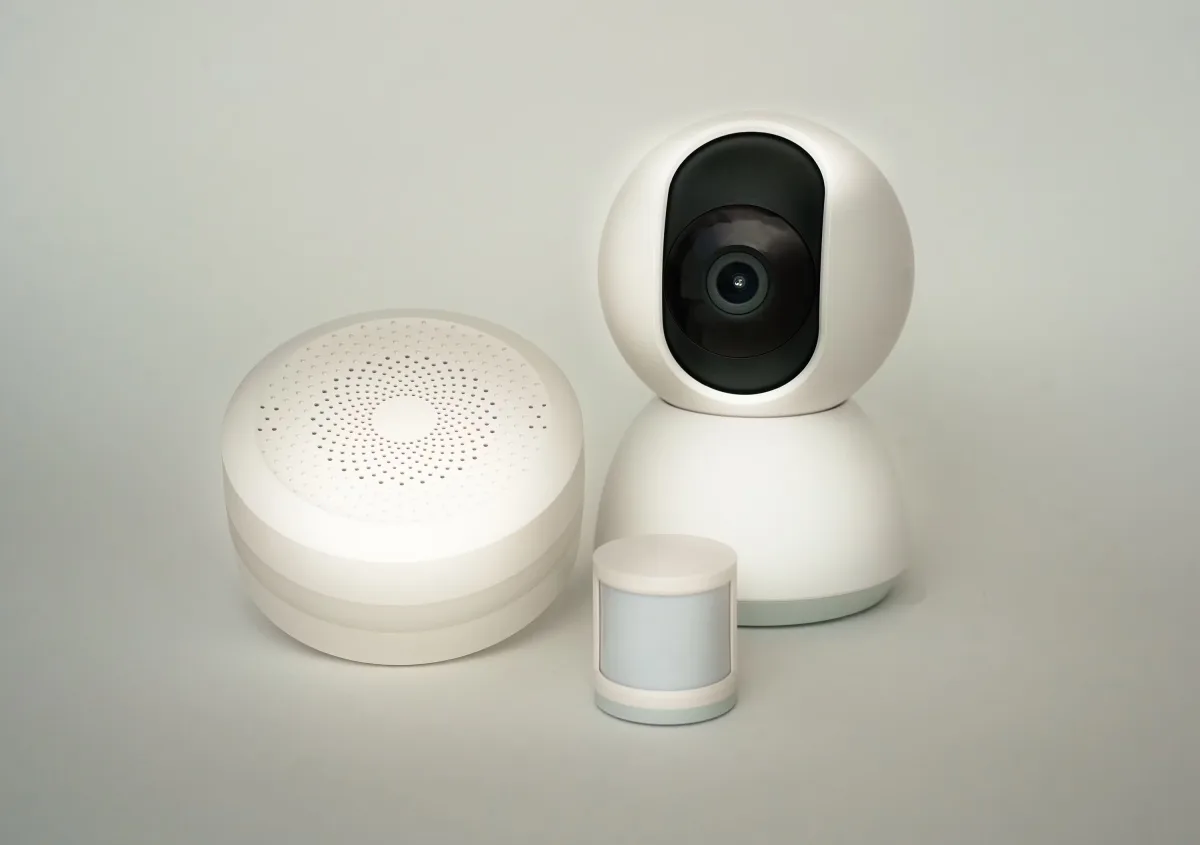
Trying to automate an entire home at once reliably produces a partially-working system and a drawer full of abandoned devices. A room-by-room approach is more sustainable — it builds familiarity with each device category before adding complexity.
Living Room (Start Here)
Smart speaker or display as hub. Smart plug for existing floor lamps. Smart TV integration if upgrading entertainment. This is your control center — get it working perfectly before expanding.
Bedroom
Smart bulbs with circadian rhythm automation or a smart switch for the ceiling fixture. Smart plug for a fan or bedside lamp. Sunrise simulation automation. The bedroom is where smart lighting delivers the most noticeable quality-of-life improvement.
Entryway
Smart lock (ALIRO-compatible for future-proofing) + video doorbell = a complete access control layer. Add a smart smoke detector if not already installed. This layer addresses the highest-consequence safety category.
Kitchen
Smart plug for the coffee maker (schedule it to start before you wake up). Energy-monitoring plug for high-draw appliances. Smart appliances only when replacing an existing unit — do not buy a smart appliance solely for its connectivity feature.
Outdoor
Weatherproof smart plug (TP-Link Kasa EP40A) for string lights, decorative lamps, or a water feature. Motion-triggered outdoor camera. Outdoor motion lighting that triggers when cameras detect movement.
CNET's practical reminder applies at every stage: evaluate your actual problem before adding a device. If the issue is one person leaving a bedroom light on, a single smart switch solves it. Full automation is not always the answer — adding devices without a clear use case creates network congestion and app complexity without adding value.
Network Infrastructure: The Layer Most Guides Skip
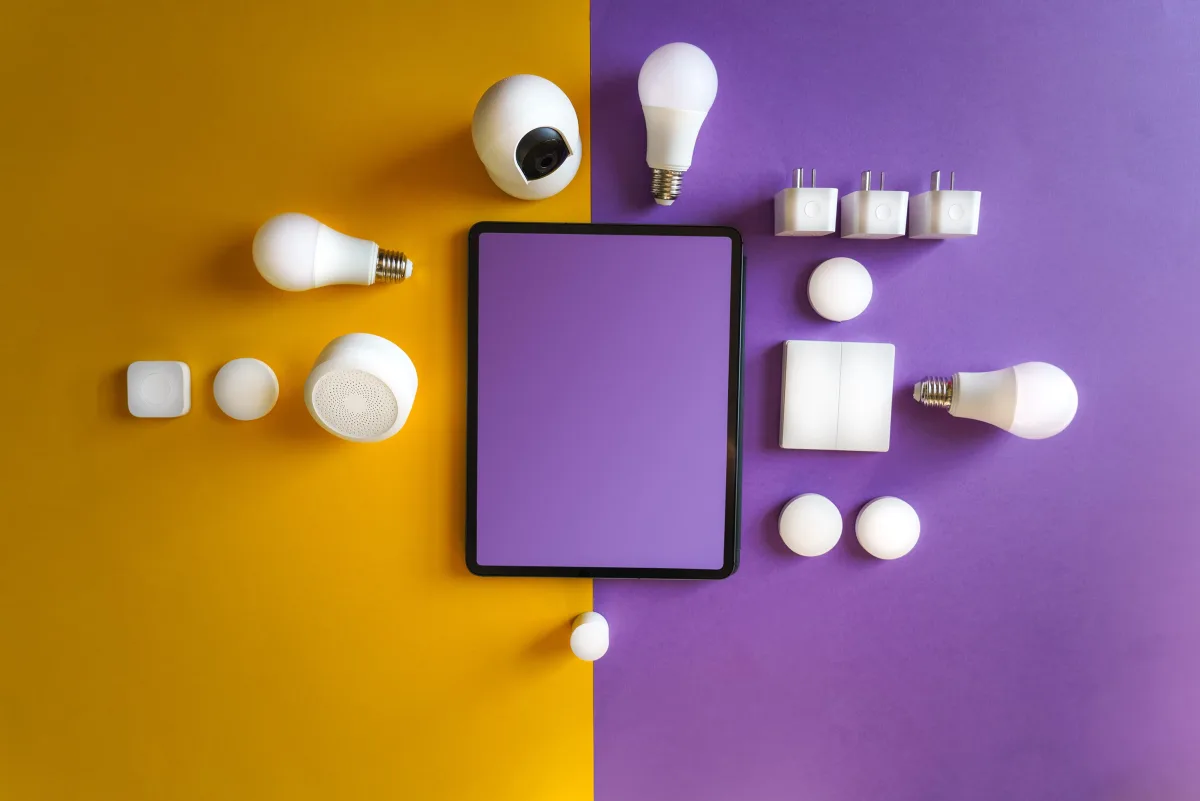
The most overlooked factor in smart home reliability is the network underneath the devices. A home with 20 smart devices and a mediocre router will experience dropped connections, delayed responses, and devices that randomly stop responding — problems that have nothing to do with the devices themselves.
Key infrastructure principles:
Mesh Wi-Fi for larger homes. More than 70% of smart home devices rely on Wi-Fi (Ramsha Home). A single router creates dead zones; a mesh system creates consistent coverage throughout. This is infrastructure investment that makes every other device more reliable.
Separate your IoT network. Most modern routers support a guest network or VLAN. Putting smart home devices on a separate network from your computers and phones is a security best practice that also reduces congestion on your primary network.
Zigbee and Z-Wave still matter. Forbes makes a point most smart home guides skip: Zigbee and Z-Wave remain essential ingredients of a stable smart home in 2026. Both create mesh networks that strengthen as you add more devices and operate on separate radio frequencies from Wi-Fi — reducing congestion. Many hubs (Amazon Echo devices, the Aeotec SmartThings Hub) support Zigbee and Z-Wave alongside Wi-Fi. Thread (the protocol Matter often runs on) operates similarly and is worth preferring in new Matter device purchases.
Local processing matters for reliability. Cloud-dependent devices stop working when your internet is down or when the manufacturer's server has an outage. Devices that support local processing (Matter over Thread, Zigbee, Home Assistant) continue working during internet outages.
Final Decision Framework: Starter to Full Setup
Phase 1: Foundation (First purchase, any budget)
- Choose ecosystem (Alexa / Google Home / HomeKit / Matter-first)
- Buy a smart speaker or display that anchors your chosen platform
- Add one smart plug — immediate, zero-friction value
Phase 2: High-ROI additions (First month)
- Smart thermostat — fastest payback of any smart home device
- Smart smoke detector — highest-consequence safety upgrade
- Smart switches for highest-use lighting circuits (bedrooms, living room)
Phase 3: Visibility and security (First three months)
- Video doorbell
- Smart lock (ALIRO-compatible)
- Smart lighting for remaining rooms (Hue starter kit or Govee for budget rooms)
Phase 4: Full setup (Ongoing)
- Outdoor camera and weatherproof plug
- Energy monitoring expansion
- Mesh Wi-Fi upgrade if experiencing reliability issues
- Room-by-room automation refinement
Every device in this sequence is either Matter-certified or natively cross-platform — meaning you can change your primary ecosystem later without replacing hardware.
Frequently Asked Questions
Is Alexa or Google Home better in 2026?
For device compatibility breadth and automation flexibility, Alexa. For natural language processing, conversational AI, and Google service integration, Google Home. Security.org rates them equally at 7.5/10 overall but for different strengths. The right answer depends on which phone your household uses and which services you already live inside.
What is Matter and do I need it?
Matter is an open-source cross-platform standard backed by Amazon, Google, Apple, and Samsung. A Matter-certified device works with all major ecosystems without a bridge or proprietary hub. You don't need to understand the protocol — you just need to check the product page for the Matter logo before buying. It's the most important future-proofing criterion for any 2026 smart home purchase.
What smart home devices should I buy first?
In order of ROI and daily impact: smart thermostat first (fastest financial payback), smart smoke detector (highest safety value), smart switches for high-use lighting, then smart speaker as a control hub. Cameras and locks come after the foundation is in place.
Are smart home devices worth it in 2026?
Yes, with the right sequence. 97% of owners report high satisfaction (Ramsha Home). The unhappy minority bought devices without choosing an ecosystem first and ended up with incompatible setups. Follow the ecosystem-first approach in this guide and the technology works reliably.
Can I switch ecosystems later without replacing all my devices?
Yes — if you buy Matter-certified devices. Matter devices work across Alexa, Google Home, and HomeKit simultaneously, so switching your primary voice assistant doesn't require replacing your lights, switches, locks, or plugs. This is why Matter certification is the single most important compatibility criterion in 2026.
What's the real cost of a smart home security setup?
Hardware cost is only the starting point. Camera subscriptions add $3–$10/month per camera. A 4-camera Ring or Nest setup can cost $180–$480/year in subscriptions alone. Eufy and Reolink cameras with local storage eliminate that recurring cost. Calculate the three-year total cost of ownership, not just the device price, before choosing a camera brand.
Is Apple HomeKit worth the premium?
For iPhone-native households with genuine privacy concerns, yes. HomeKit processes more data locally than Alexa or Google, has strict device certification requirements (ensuring quality), and integrates tightly with iOS shortcuts and automations. For households using Android or mixed devices, the restricted device ecosystem becomes a real limitation quickly.
We may earn a commission when you use our links to make a purchase, at no additional cost to you. This helps fund this independent site. Our editorial rankings are completed before any affiliate link is applied and are never influenced by commercial relationships. Full disclosure →